Choose it. Play it.
Click a track in Now Playing to select it in the existing queue. Spotify playlists and Bandcamp Radio use the configured home route.
DEBIAN 13 · AMD64 · R1 REVISION 29 · 21 OCTOBER 2026
A fresh Home screen, direct queue control and one place for albums, live recordings, radio, podcasts, books and your own videos. This is the published Debian Core R1 ISO.
4.73 GB · Dedicated system drive · Read the installation guide
Click a track in Now Playing to select it in the existing queue. Spotify playlists and Bandcamp Radio use the configured home route.
Listening pages keep their loaded shelves, search and scroll position when you return. Changes refresh in the background.
Phone videos can start and seek without making another complete copy. Keep books, concerts and other media in their own collections.
REAL DEBIAN CORE R1 · 21 OCTOBER 2026
These are screenshots from the running R1 build. Open any image to see the full screen. The example collection and speaker belong to the test installation.
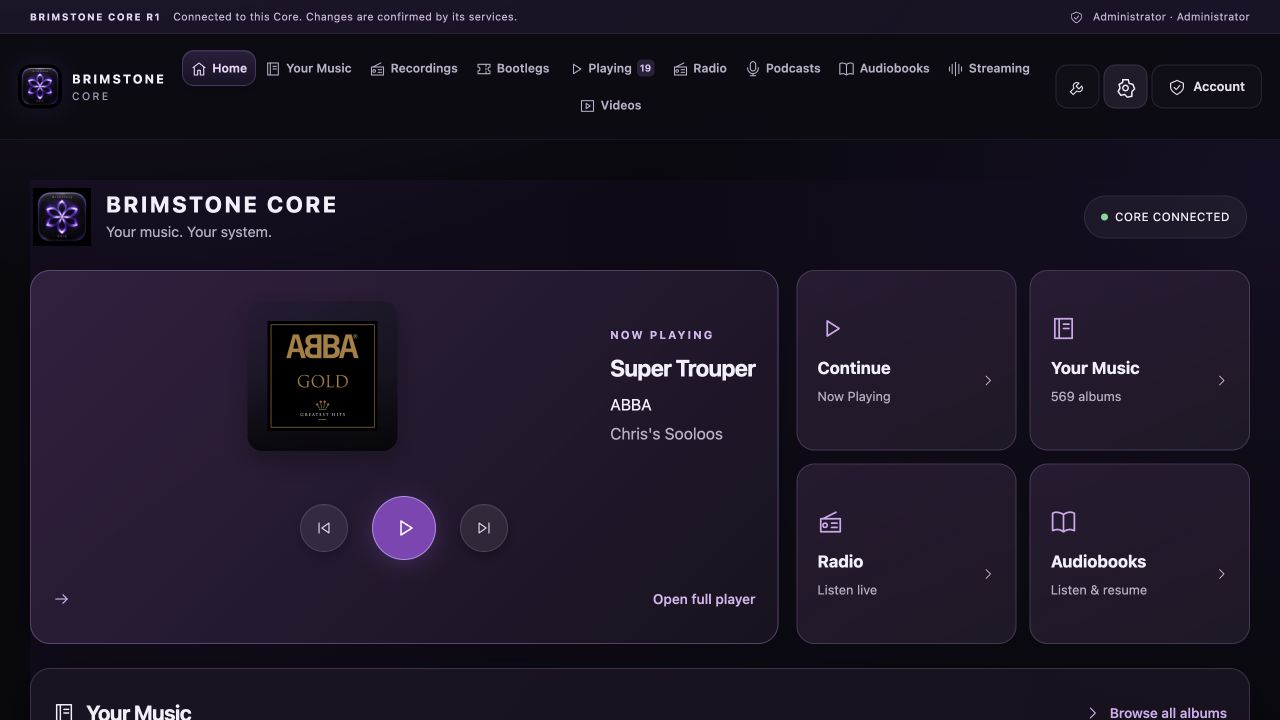
Your current album, home speaker and everyday listening shortcuts in one place.
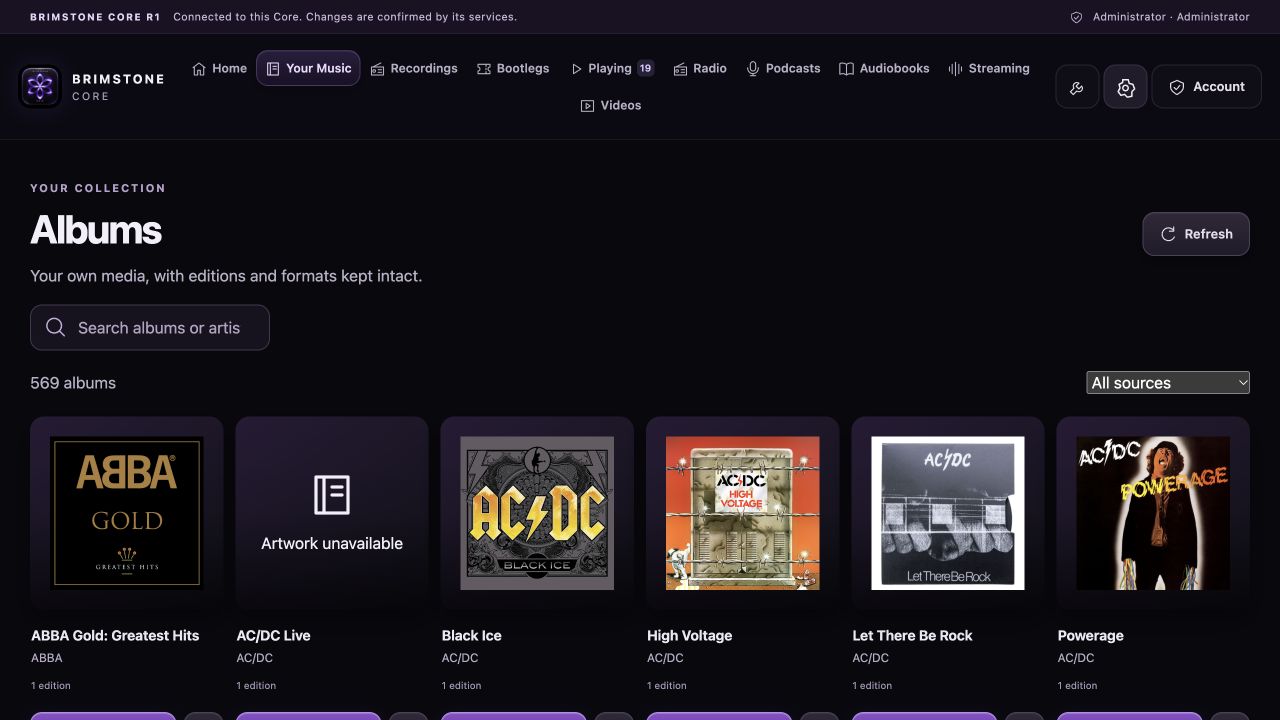
Browse album artwork, search the collection, play an album or add it to the queue.
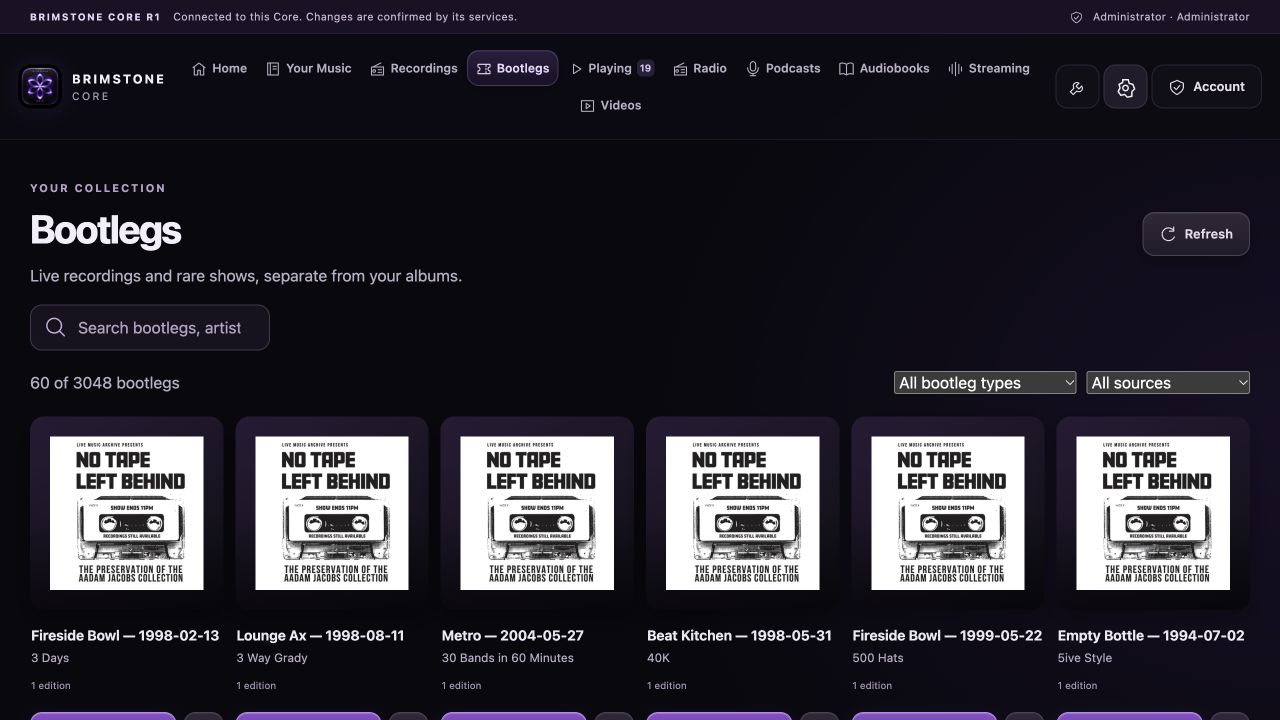
Keep live recordings together, with artwork, artist and venue information.
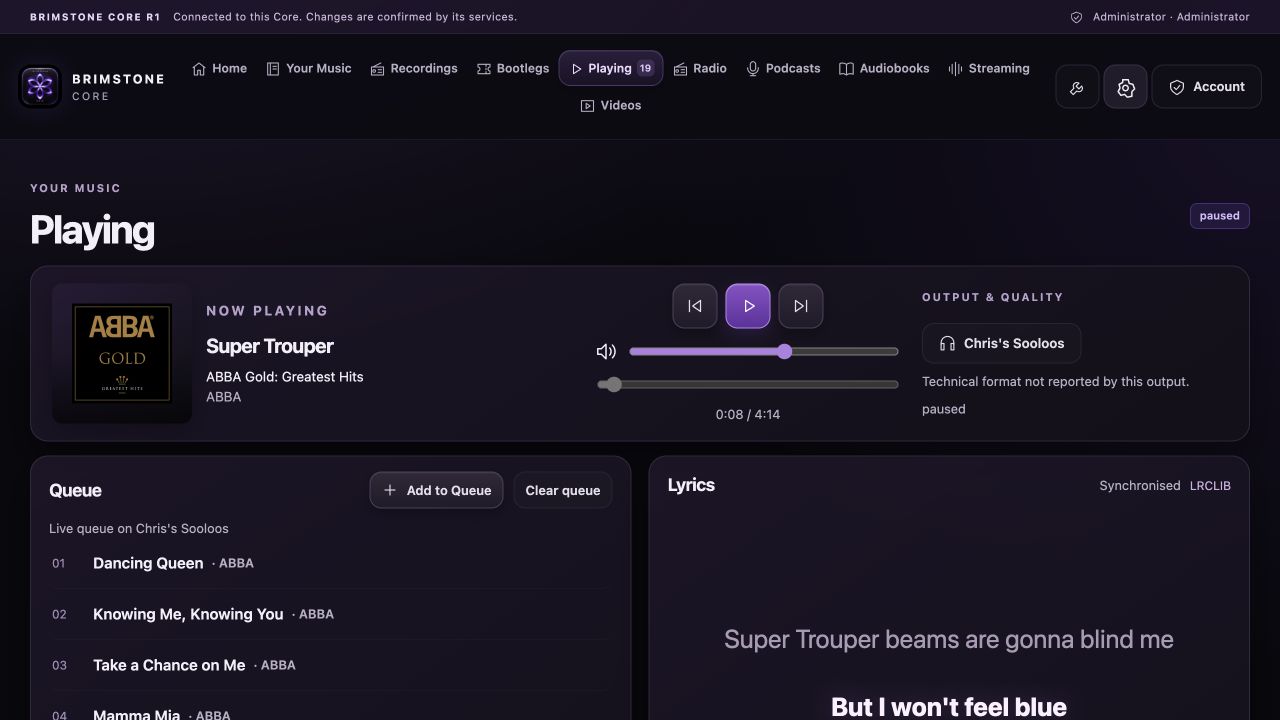
Choose a queued track, clear the queue and follow the current playback on your selected speaker.
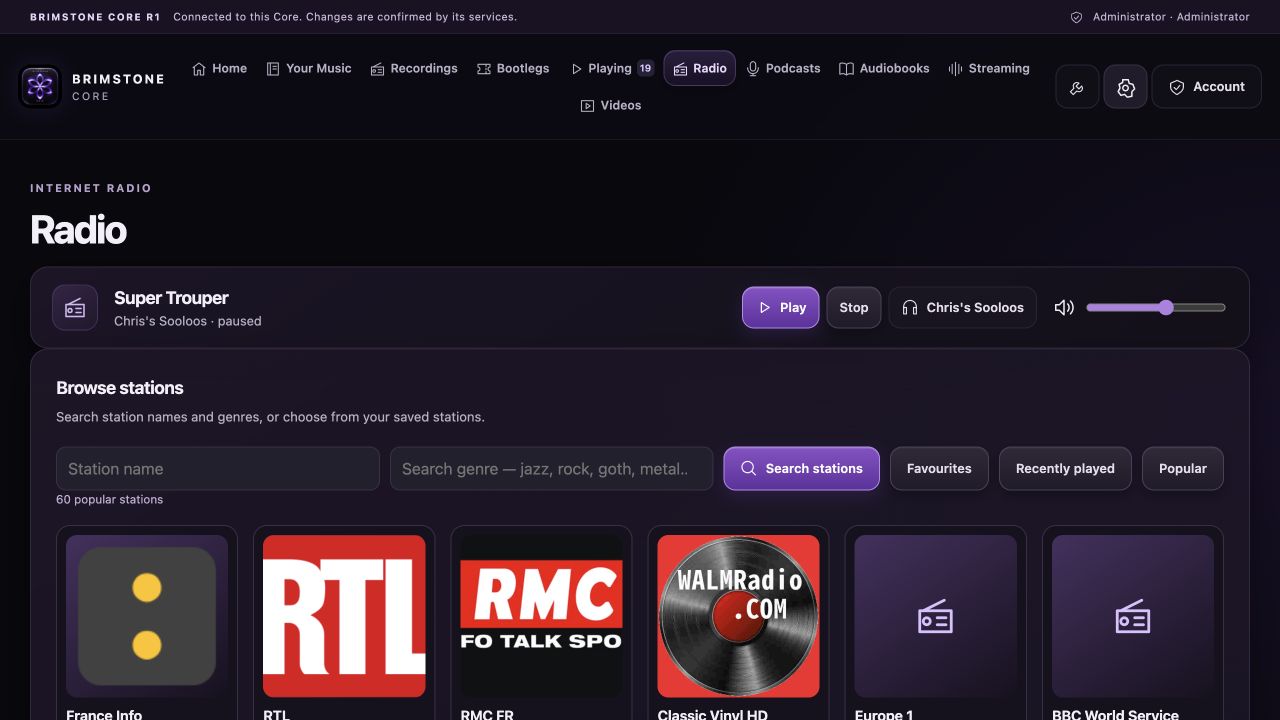
Find stations by name or genre, then choose a station to play.
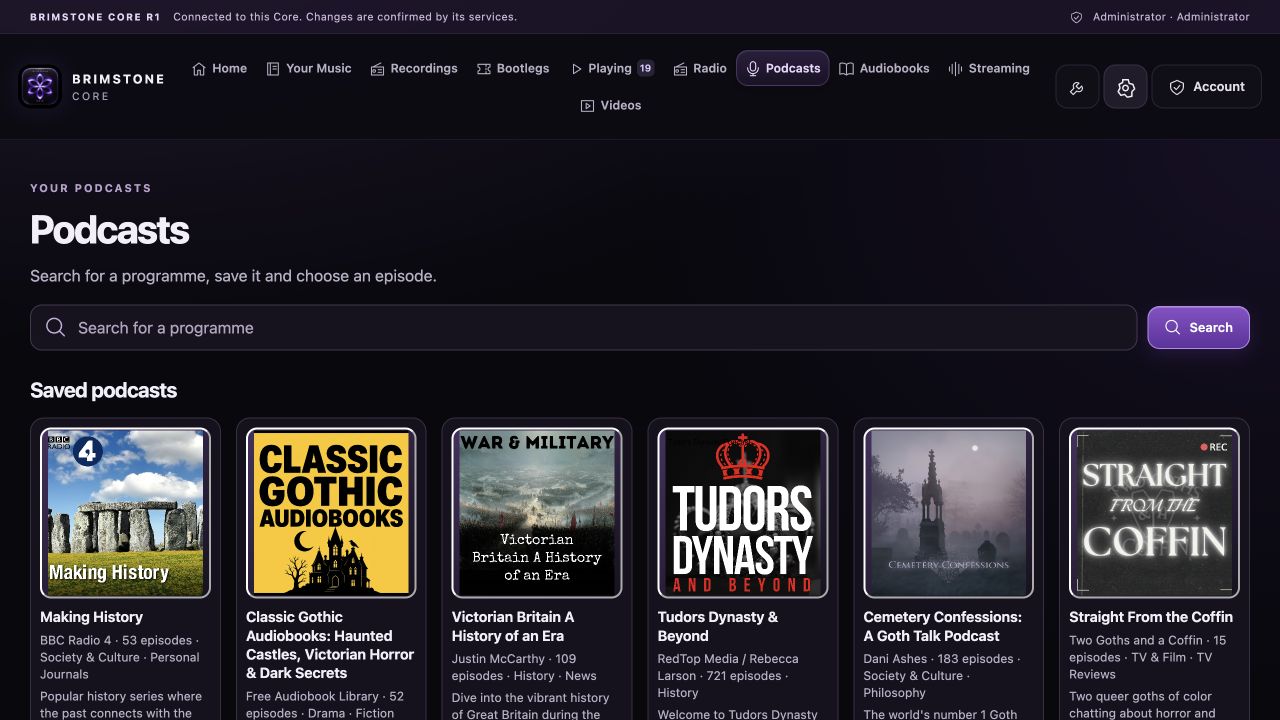
Search programmes and keep saved shows together as artwork tiles.
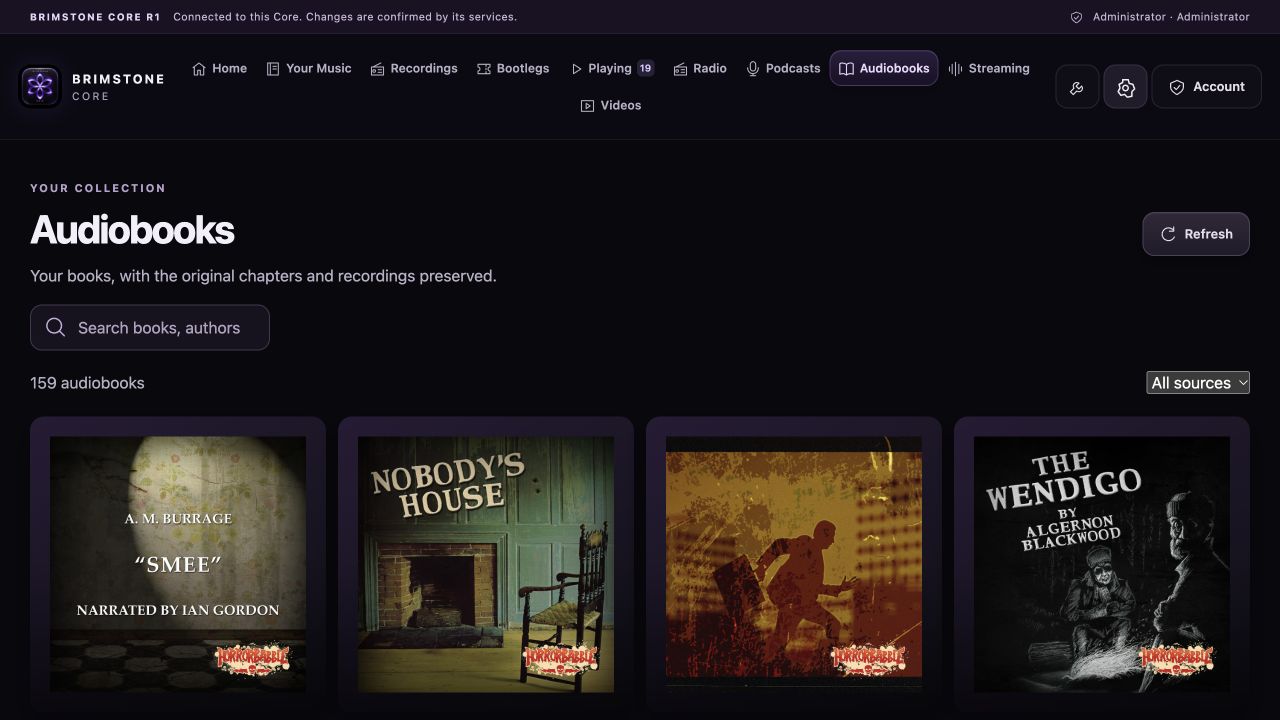
A separate shelf for books, with original chapters and recordings retained.
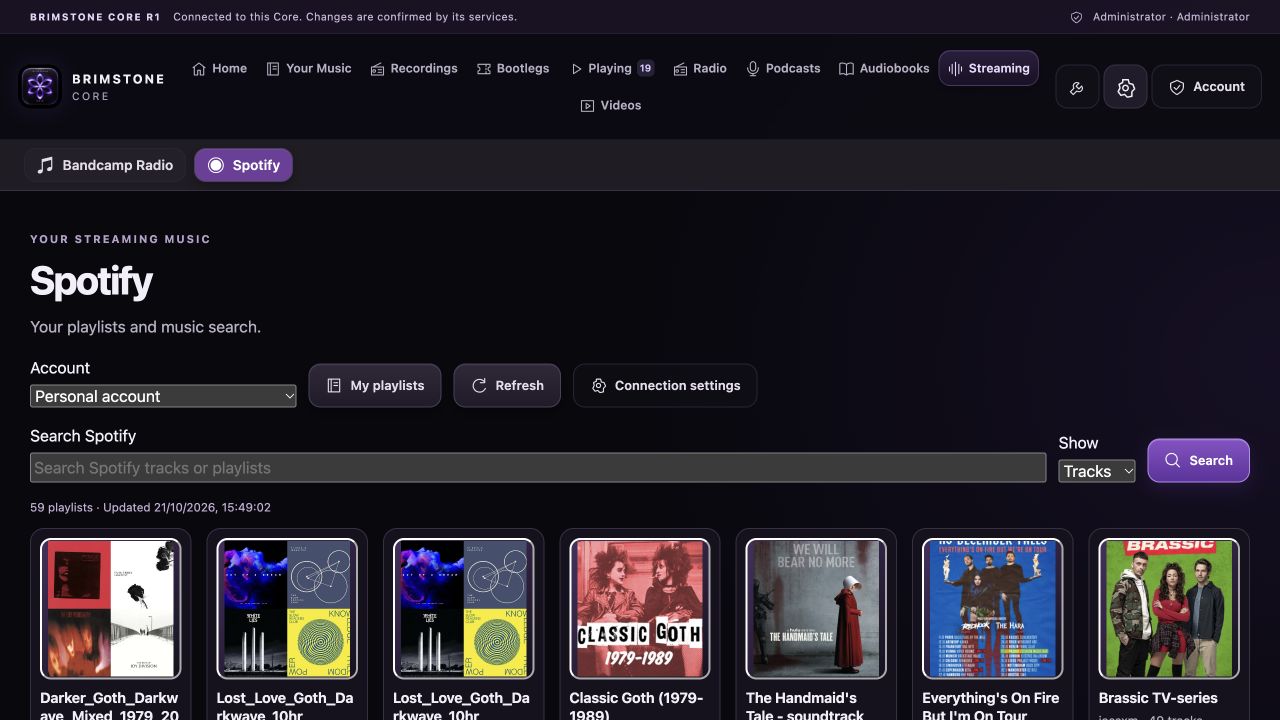
Your playlists and music search, with a direct Play playlist action.
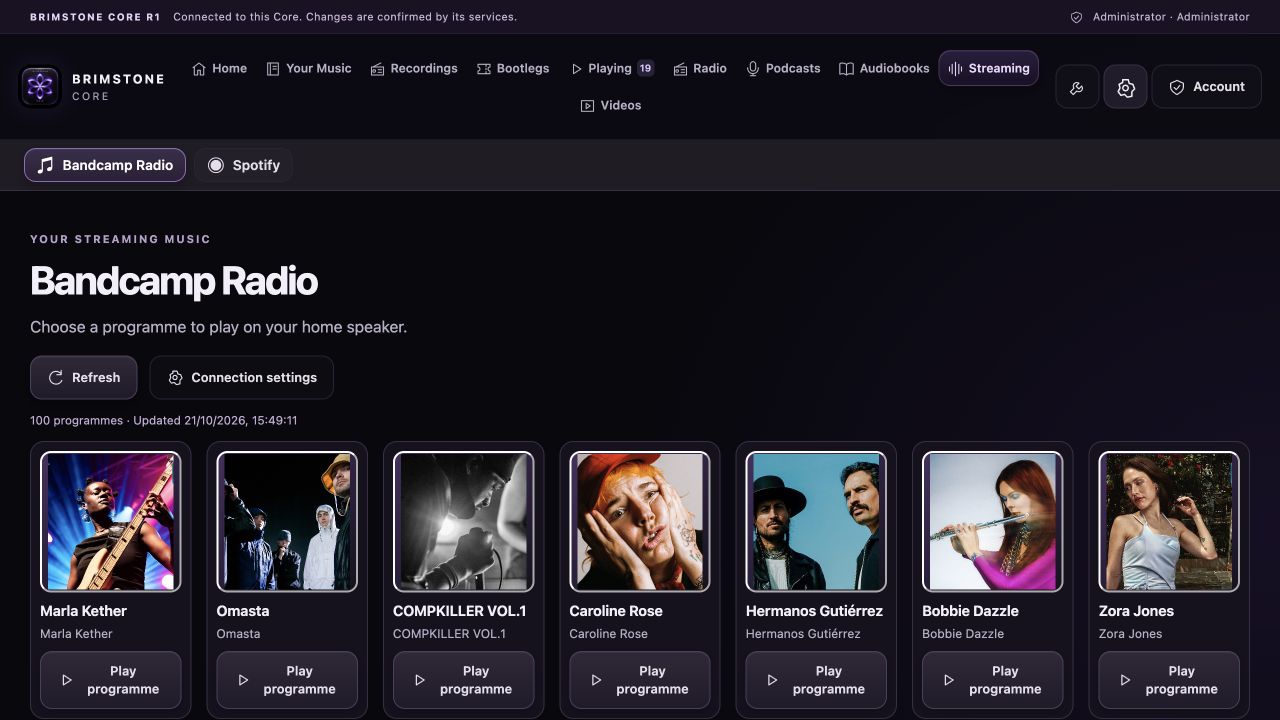
Browse programmes and play through the configured home speaker.
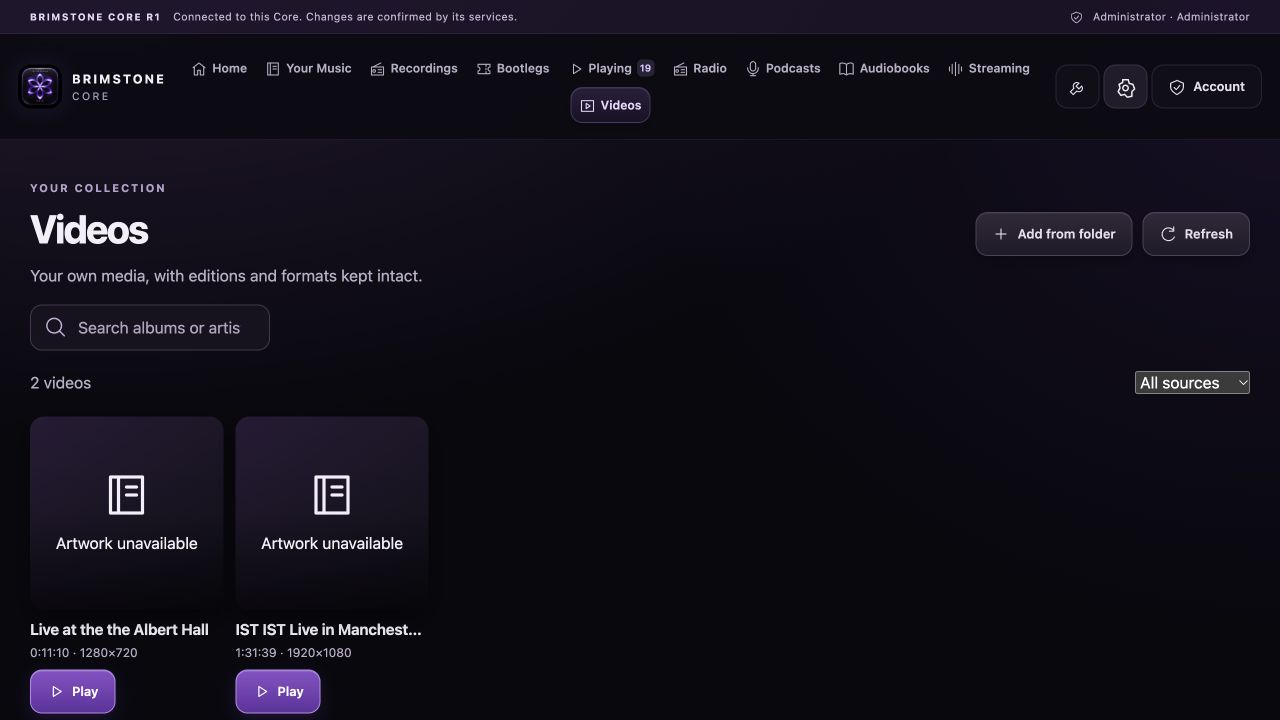
Add your own recordings from a folder, including large phone videos.
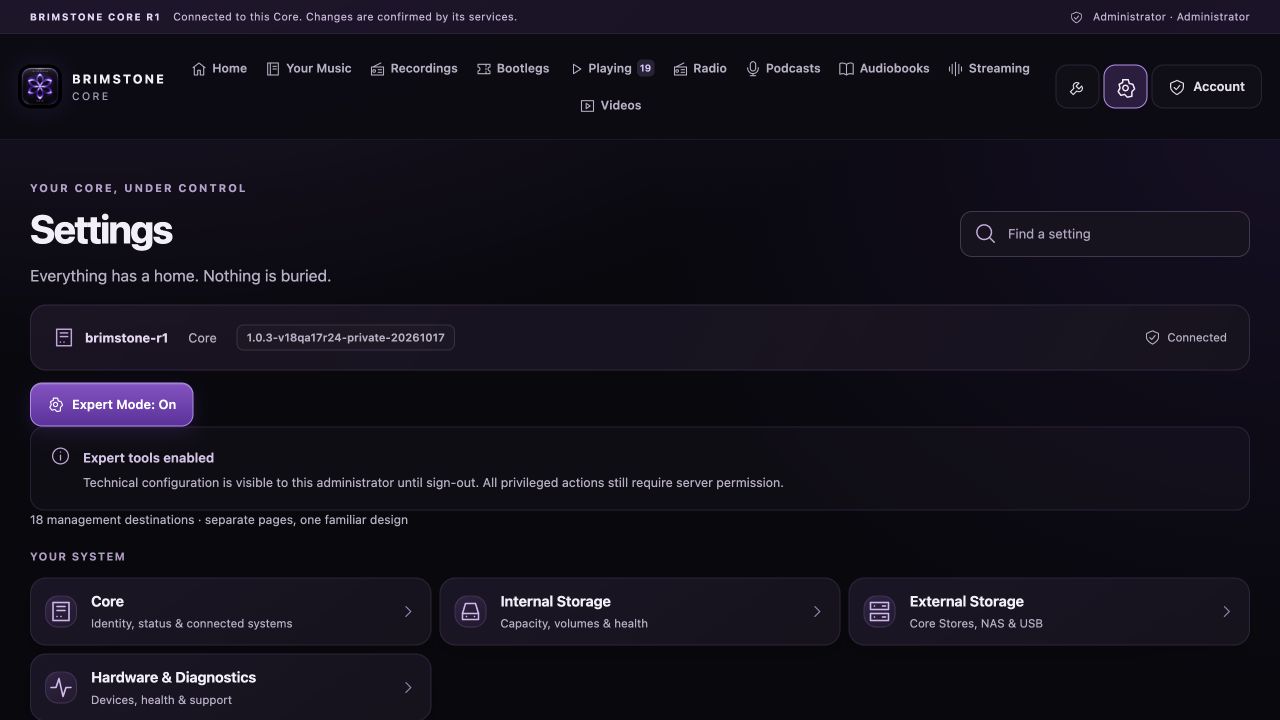
Manage media storage, audio outputs, Meridian/Sooloos, services and diagnostics.
DEBIAN CORE R1 · SYSTEM & MEDIA
Use a dedicated system drive, then connect the disks or network shares that hold your music, books and videos.
96 GiB minimum; a 128 GB or larger SSD is recommended. Core creates its A/B system slots, protected recovery slot and persistent application storage on this drive. Installation erases the system drive you select and confirm.
Use separate media disks or an existing network share. Selecting music disks during installation records your choices; configure and mount the media in Core Settings after installation.
Debian 13 amd64 on an Intel or AMD 64-bit computer. For a full VM, start with 4 CPU cores and 8 GB RAM. The ISO installs its own operating system and is not an LXC image.
READY TO INSTALL
Revision 29 brings the accepted playback, media and storage fixes into the bootable R1 installer.